Unreal Engine 5.5: Simple Door Animation Tutorial
Published: January 10, 2025 • Series: Blueprint Basics • Level: beginner
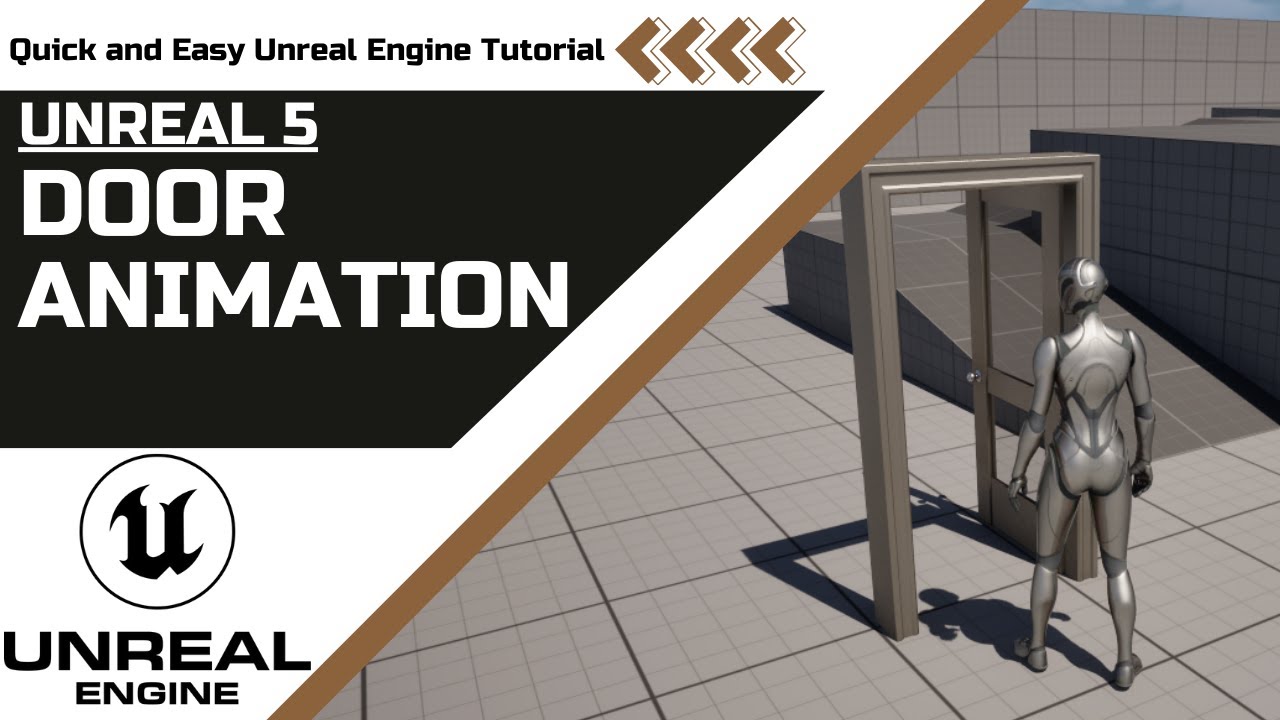
This is Rambod and in this tutorial we build a simple interactive door in Unreal Engine 5.5. You will learn how to use Blueprints, box collisions, and timelines to make a door open and close smoothly when the player interacts with it.
1) Create the door blueprint
- Open the Content Drawer.
- Right click → Blueprint Class → Actor.
- Name it
BP_Door. - Open it and save.
2) Add components
- Add a Static Mesh named
Door. - Add another Static Mesh named
Frame. - Add a Box Collision to handle interaction.
- For the meshes, use assets from Starter Content:
- Door mesh from Starter Content.
- SM_DoorFrame mesh for the frame.
- Adjust transforms: set the door’s X location to around
45for a good fit. - For the Box Collision:
- Set Box Extent to
(100, 50, 100). - Offset Z by
100for proper placement.
- Set Box Extent to
3) Add interaction logic
- In the Event Graph, right click on the Box Collision.
- Add On Begin Overlap and On End Overlap.
- Cast the overlapping actor to Third Person Character.
- If valid, trigger door actions on overlap begin and end.
4) Create door timelines
- Add a Timeline named
Timeline_OpenDoor. - Open it and add a Float Track called
Rotation. - Set length to
1. - Add two keyframes:
- Time
0, Value0. - Time
1, Value90.
- Time
- This will rotate the door open to 90 degrees.
Duplicate the timeline for closing:
- Name it
Timeline_CloseDoor. - Reverse values:
- Time
0, Value90. - Time
1, Value0.
- Time
5) Connect to rotation
- Drag the
Doorstatic mesh into the graph. - Use Set Relative Rotation.
- Connect the timeline’s update to the rotation value.
- For the closing timeline, connect the reversed curve.
6) Place and test
- Save and compile the blueprint.
- Drag
BP_Doorinto your level. - Play the game. When your character overlaps the collision, the door opens. Leaving the area closes it.
Wrap up
You now have a working animated door in Unreal Engine 5.5 with smooth open and close functionality. This technique is simple and a great starting point for more advanced interactions like locked doors, key systems, or sound effects.
For more Unreal Engine tutorials, visit rambod.net, subscribe on YouTube, or watch this tutorial here: Watch on YouTube.
Support
Support My Work
If my projects, tutorials, or research help you ship faster, you can back the work directly with crypto. Every contribution keeps the channel ad-light and the repos open.